 Takelight
How the free version works
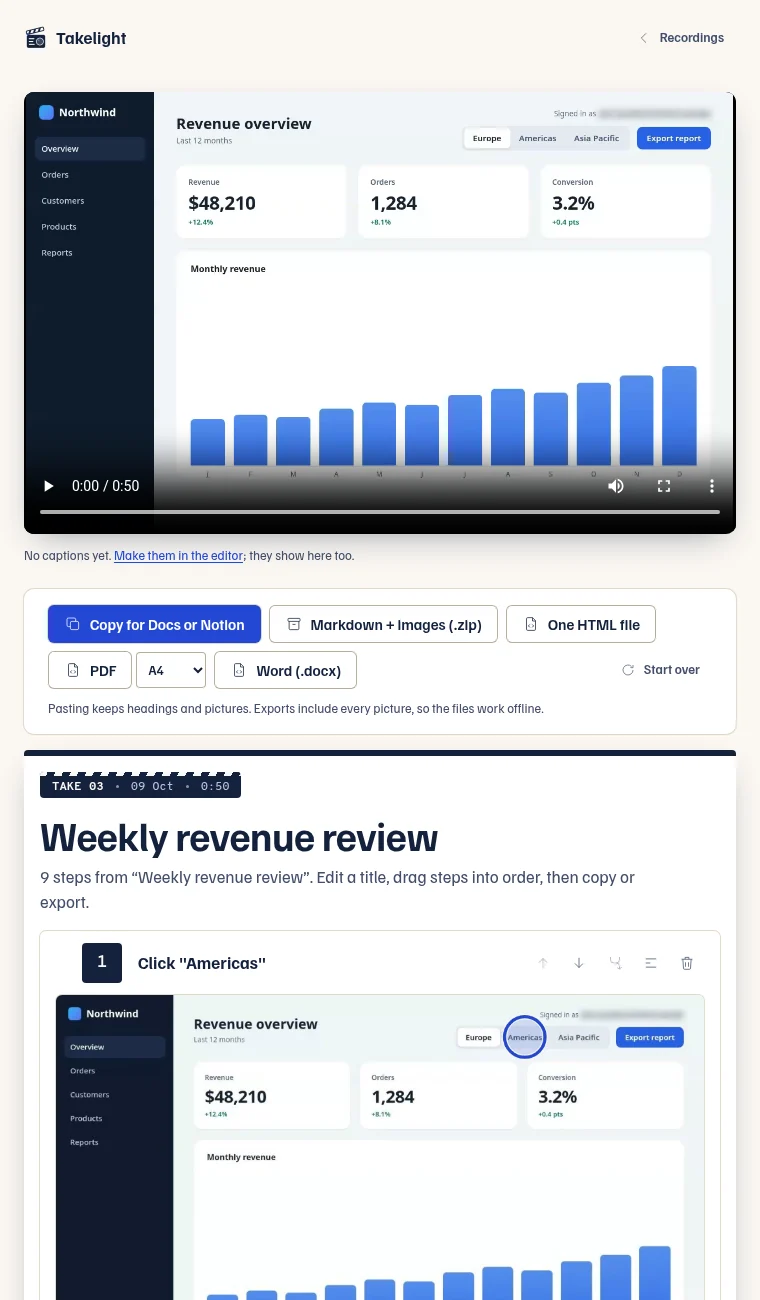
Click the Takelight icon on the tab where your task starts, press Start guide and do the task. Each click, typed field and page change becomes a step. A step has a screenshot of the tab, a ring on the spot you clicked, and a title made from what you clicked, such as Click "Save changes" or Press Ctrl K. What you type is never read or saved, so a typing step says Type in the "Email" field and never shows the address.
Afterwards you can rename steps, merge or delete them and drag them into order. Then copy the guide for Google Docs or Notion (up to 5 steps on Free). Pasting keeps the headings and the pictures.
Takelight and Scribe side by side as of September 2026
The Scribe figures come from its pricing page and the Takelight figures from its own pricing table. Each price is in the currency the company lists, and prices change.
| Topic | Takelight | Scribe |
|---|---|---|
| Free plan | No sign-up. Install the extension and click through the task. | Needs a sign-up. |
| Paid plan | Pro is €39 for 6 months, €69 for a year or €139 for Pro forever. | Pro Personal is $35 a month, or $25 a month billed yearly. Pro Team starts at 5 seats. |
| Export | Copy for Google Docs or Notion (up to 5 steps), Markdown with images (a zip) and one HTML file are free. PDF and Word need Pro. | PDF, HTML and Markdown export are Pro only. |
| Blurring sensitive info | Password fields and other fields the page marks as private are boxed out, and blur works on any picture, free. | Editing and redacting screenshots is Pro only. |
Source for Scribe: scribe.com/pricing, read on 30 September 2026. Source for Takelight: the pricing table.
Where Scribe may suit you better
Takelight is built for one person on one computer. It has no accounts, no team library and no share link, and your guides stay on your computer. Scribe lists a team plan from 5 seats, so if a group needs to keep its guides in one place, start by looking at that.
Three more limits are worth knowing.
- A guide is built from a browser tab. Takelight cannot write steps for a desktop app.
- The free plan keeps ten guides. Pro keeps any number.
- Only fields the page marks as private are boxed out on their own. Look through the pictures before you share a guide, and blur what is left.
What is free and what needs Pro
- Free: guides from your clicks, ten kept, with no account. Copy up to 5 steps for Google Docs or Notion, Markdown with images and one HTML file. Crop, zoom, box, arrow and blur on any picture.
- Pro: any number of guides, PDF and Word files, handbooks, and video recording with auto-zoom, the cursor spotlight, captions burned into the video, and one-click silence and filler-word removal.
Pro is €39 for 6 months, €69 for a year or €139 for Pro forever. You get 7 days of Pro, free. The pricing table has every row.
Your first guide in four steps
- Install Takelight from Edge Add-ons, then open the page where your task starts.
- Click the Takelight icon and press Start guide.
- Do the task at a normal pace, then click the icon again and press Stop guide.
- Tidy the titles and copy the guide.
The same steps with screenshots are in how to create an SOP by clicking through the task. If you are comparing other tools, there is also a Tango alternative page.
Try it on one task
Install is free and needs no account. Click through one task and see whether the steps are what you would have written.
Takelight is an independent product and is not affiliated with Scribe.